


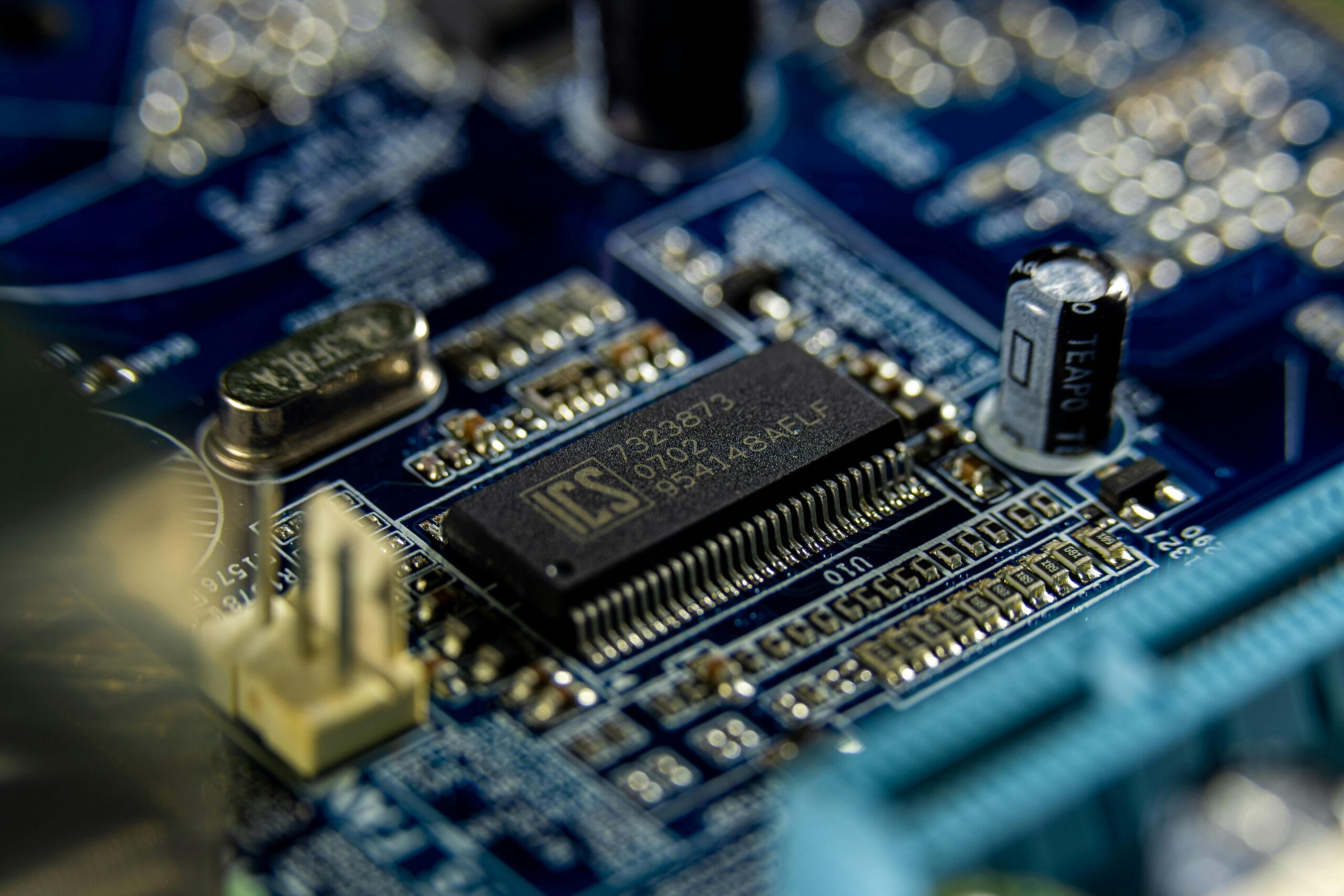
In the intricate world of mobile phones, the circuit board is the heart of the device. It’s responsible for the functioning of almost every feature your phone has to offer. Understanding how to repair or replace key components on a mobile phone circuit board can seem daunting, but with the right knowledge and tools, it’s entirely possible. This guide will help you unlock the secrets of mobile phone spare parts and empower you to take control of repairs.
Understanding the Circuit Board:
The Brain of Your Mobile The circuit board, often referred to as the motherboard or logic board, is the central hub where all the phone’s components connect and communicate. It houses the CPU, memory, and various controllers that manage everything from touch sensitivity to charging capabilities. Familiarizing yourself with its layout and components is the first step in effective repairs.
Essential Tools for Circuit Board Repair
Before diving into repairs, you’ll need the right tools. A fine-tip soldering iron, multimeter, tweezers, and a magnifying glass are essential for working on the tiny technological components of a circuit board. Additionally, having a good set of screwdrivers, heat guns, and disordering tools will help you handle various repair tasks with precision.
Identifying Common Circuit Board Issues
Circuit board issues can manifest in many ways, from a phone that won’t power on to one that experiences random shutdowns or charging problems. Common issues include damaged connectors, burnt components, and faulty ICs (integrated circuits). Identifying these problems through visual inspection and testing is crucial for determining the necessary repairs.
Replacing Damaged ICs: The Core of Circuit Board Repair
Integrated circuits are small chips that control specific functions of your phone, such as processing, memory, or power management. If an IC is damaged, the corresponding function may fail. Replacing an IC requires precise soldering skills and a steady hand, as these components are tiny and densely packed on the circuit board.
Repairing Broken Traces: Restoring Connectivity
Traces are the thin conductive paths that connect different components on the circuit board. If a trace is broken, the circuit is interrupted, leading to malfunction. You can repair broken traces using conductive ink or by soldering a thin wire to bridge the gap. This delicate process requires careful handling to avoid further damage.
Dealing with Water Damage: Salvaging Your Circuit Board
Water damage is a common cause of circuit board failure. When water enters the phone, it can cause short circuits or corrosion on the board. To repair water damage, you need to thoroughly clean the board using isopropyl alcohol and inspect it for corroded or damaged components that may need replacing.
Troubleshooting Power Issues: From Charging Ports to Power ICs
If your phone isn’t charging or powering on, the issue may lie in the power circuitry. Start by checking the charging port for damage or debris. If the port is fine, the problem may be with the power IC or related components. Replacing the charging port or power IC often restores functionality.
Handling Heat-Related Damage: Identifying and Fixing Burnt Components
Overheating can cause components on the spare parts to burn out, leading to various issues. Burnt components often appear discolored or charred. When dealing with heat-related damage, identify the affected parts and replace them with new ones. Ensuring proper heat dissipation in future use is also essential to prevent recurrence.
Upgrading Circuit Board Components: Enhancing Performance
In some cases, you might want to upgrade certain components on your circuit board to enhance your phone’s performance. For example, upgrading the RAM or replacing an older CPU with a compatible, more powerful one can breathe new life into your device. This requires a deep understanding of the board’s architecture and compatibility.
Preventative Maintenance: Protecting Your Circuit Board
To extend the life of your circuit board and prevent future issues, regular maintenance is key. Keep your phone away from moisture, ensure proper heat dissipation by avoiding heavy use in hot environments, and clean the interior periodically to prevent dust buildup. Using a quality protective case can also minimize the risk of physical damage.
Conclusion:
Repairing and replacing components on a mobile phone circuit board may seem like a complex task, but with the right tools, knowledge, and patience, it’s an achievable skill. Understanding the structure and technological function of the circuit board, along with knowing how to identify and address common issues, allows you to unlock the full potential of your mobile device. Whether you’re fixing a minor problem or performing a major repair, mastering these techniques can save you time, money, and extend the life of your mobile phone.